
AI Image Generation Prompts for Your Blog on Revit Walls
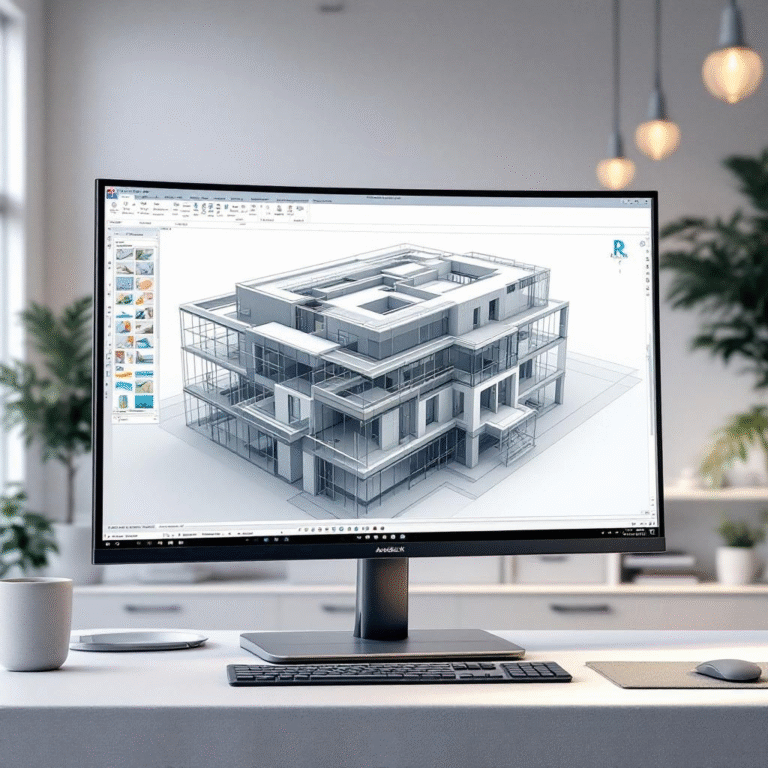
AI Prompts for Basic Wall in Revit
Prompt:
“A clean 3D render from Autodesk Revit, showing a simple rectangular room with basic architectural walls. Additionally, the scene features neutral colors and realistic lighting, creating a clean BIM-style visualization.”
AI Prompts for Structural vs Architectural Walls
Prompt:
“A side-by-side comparison in Revit, where one wall is a structural concrete wall with reinforcement, while the other is an architectural brick wall with plaster finish. Together, they clearly demonstrate the difference in BIM modeling style.”
AI Image Prompt: Curtain Wall Example in Revit
Prompt:
“A modern glass curtain wall system modeled in Revit, featuring aluminum mullions, clear glass panels, and visible grid lines. Moreover, it is presented in a realistic rendering style for architectural visualization.”
Stacked Wall AI Image Prompt for Revit
Prompt:
“A Revit visualization of a stacked wall, consisting of a concrete base below and a brick wall above. Furthermore, the image includes a detailed section cut, so that the material layers are clearly visible in BIM drawing style.”
Compound Wall Layers: AI Prompt for Revit Walls
Prompt:
“A technical illustration from Revit, showing a compound wall composed of multiple layers: structural concrete core, insulation, and plaster finish. Each layer is labeled, therefore providing a clear BIM section detail visualization.”
Wall Editing – Edit Profile AI Prompt
Prompt:
“A Revit screenshot-style render, showing a wall modified using the Edit Profile tool to create a custom arched opening. As a result, the visualization highlights realistic BIM editing capabilities.”
Wall Openings (Doors & Windows) AI Prompt
Prompt:
“A Revit 3D model displaying a wall with both a door and a window opening inserted. In addition, the view includes visible dimensions, thereby emphasizing architectural BIM precision.”
Curtain Wall Customization: AI Image Prompt
Prompt:
“A modern office building façade created in Revit, featuring curtain walls with mullions, glass panels, and a curtain door. Consequently, it presents a detailed architectural visualization with realistic materials.”
Wall Joins Example: AI Prompt for Revit Walls
Prompt:
“A close-up Revit visualization showing two walls joining neatly at a corner. Furthermore, the image highlights a clean intersection detail, enhancing the realistic rendering in BIM style.”
Best Practices Graphic: AI Prompts for Revit Walls
Prompt:
“A clean infographic-style illustration showcasing different Revit wall types — basic wall, stacked wall, curtain wall, and compound wall — arranged neatly with labels. Altogether, it serves as a clear and professional BIM reference graphic.”