Building Information Modeling (BIM) is not only about creating 3D geometry. It is also about managing time, construction stages, and renovation processes inside a single intelligent model. One of the most powerful features in Autodesk Revit that helps manage time-based changes is Phasing.
Autodesk Revit is more than just a 3D modeling tool. In fact, it functions as a powerful data-driven BIM platform where information is just as important as geometry. Every wall, door, window, and system component contains valuable data. By using Custom Parameters in Revit, you can expand, organize, and manage that data intelligently and professionally to create smarter BIM models.
Building Information Modeling (BIM) is not just about drawing walls, placing doors, or modeling ducts. The real intelligence of a BIM model lies in its data. In Autodesk Revit, that data is controlled and managed through parameters. If you truly want to become confident in Revit—whether you work in Architecture, Structure, or MEP—you must understand how parameters work, especially the difference between Instance parameters and Type parameters.
Building Information Modeling (BIM) is not only about walls, doors, and structural elements. A true BIM model reflects how a building looks, feels, and performs in the real world. This is where Materials and Finishes in Revit become extremely important. If you are working in Autodesk Revit, understanding materials properly will improve your renderings, schedules, takeoffs, and presentation quality.
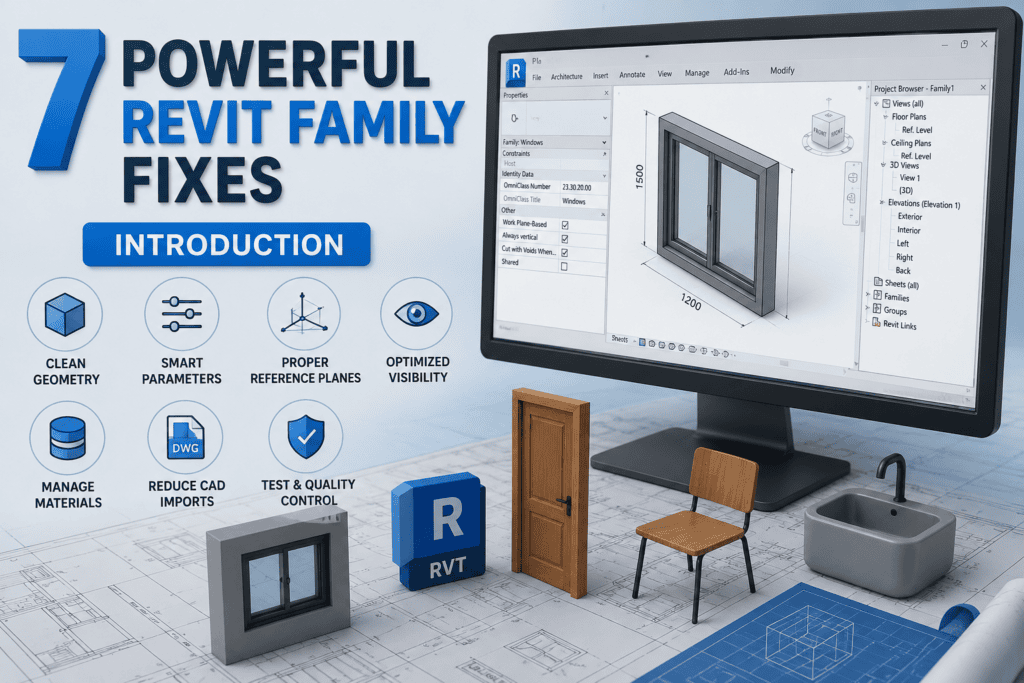
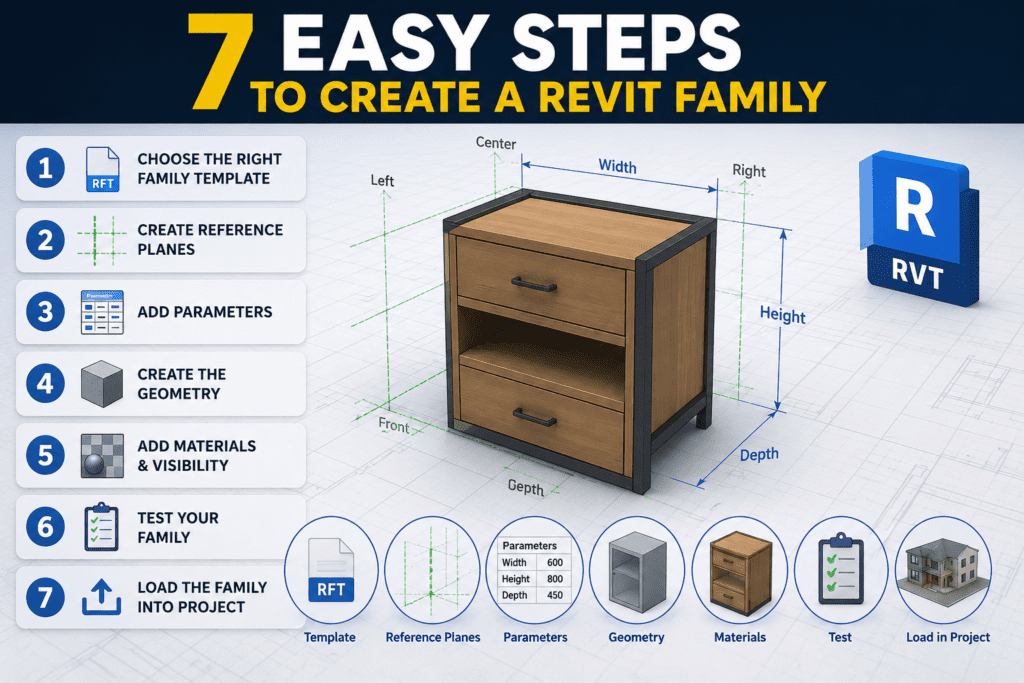
Creating Basic Revit Families is the foundation of every successful BIM project. Whether you are working in Autodesk Revit for architectural, structural, or MEP design, mastering the process of creating basic families is one of the most valuable skills you can develop to improve accuracy, flexibility, and workflow efficiency.
Autodesk Revit works very differently from traditional CAD software. Instead of drawing lines and shapes, Revit uses intelligent building components known as families. If you want to model efficiently, avoid errors, and create professional BIM projects, you must clearly understand how to load and use Revit families correctly.
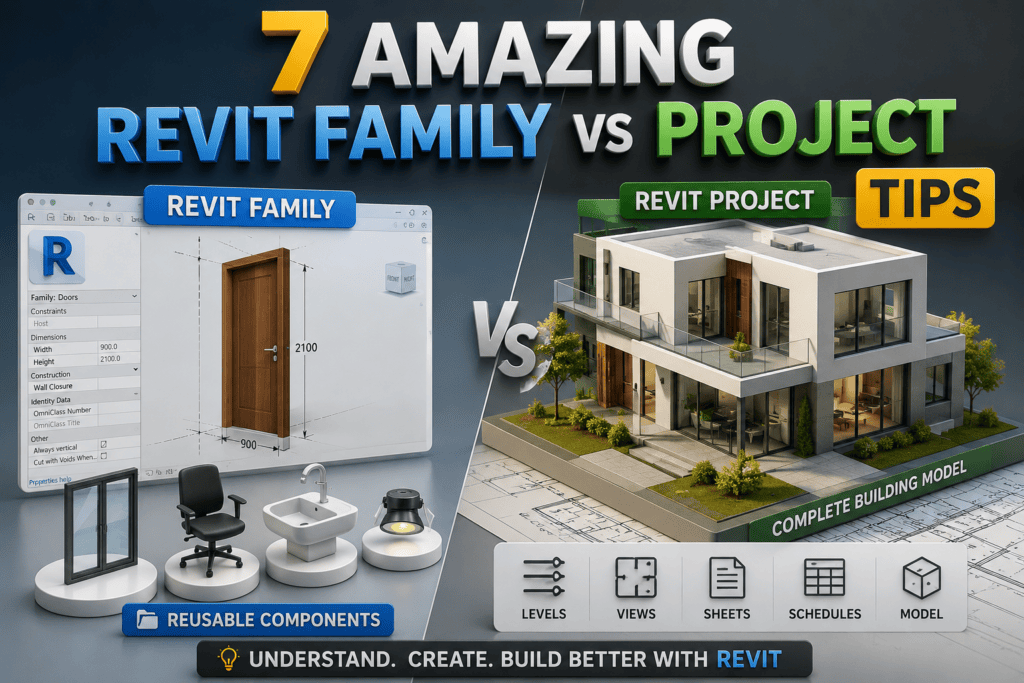
Revit Families Explained (System vs Loadable) is essential knowledge for every Revit user, as families form the backbone of every Revit project. From modeling walls and floors to placing doors and furniture, every element in Revit exists as a family. However, many beginners struggle to understand the difference between system families and loadable families, which often results in confusion, inefficient modeling practices, and poorly optimized projects.
Common Beginner Mistakes in Revit often occur because Autodesk Revit, while a powerful Building Information Modeling (BIM) tool, can feel overwhelming to new users. Many beginners jump straight into modeling without understanding how the software actually works. As a result, these habits lead to slow models, incorrect drawings, coordination issues, and sometimes even complete project failure.
Autodesk Revit is not just a modeling application; rather, it is a comprehensive Building Information Modeling (BIM) platform that manages geometry, data, and documentation together. Because every element in Revit is interconnected, understanding how to correctly save, export, and print your work becomes essential. Without proper file management, even a well-modeled project can face serious coordination or delivery issues.
In Building Information Modeling (BIM), views are the backbone of communication. A Revit model may be three-dimensional, but it is the views that allow designers, engineers, and contractors to understand, coordinate, and construct a building accurately. Many beginners struggle not because Revit is difficult, but because they do not fully understand how views work and how each view serves a different purpose.
In Building Information Modeling, accuracy and flexibility are essential. While creating elements in a model is important, modifying them correctly is what truly defines professional work. In Autodesk Revit, Modify tools play a critical role in shaping, adjusting, and refining model elements throughout the project lifecycle.
Doors and Windows in Revit are among the most important elements in any building model. They are not just simple components placed in walls; they are intelligent, parametric families that influence schedules, quantities, elevations, sections, and construction documentation.