Revit is not just a drafting tool—it’s a full Building Information Modeling (BIM) platform. When learning How to Draw Walls, Floors & Roofs in Revit, you’re not simply sketching lines or shapes; you’re creating intelligent building elements that understand height, thickness, materials, levels, and their relationships with other components.
When starting any Revit project, two elements quietly control the entire model: Levels and Grids. Although they appear simple at first glance, incorrect setup can create long-term problems. As a result, even skilled modelers often face rework and coordination issues. In professional BIM workflows, levels and grids act as the backbone of accurate modeling, documentation, and teamwork.
If you are working with Autodesk Revit, you have probably seen different file extensions like .RVT, .RFA, and .RTE. For beginners, these file types can be confusing, and even intermediate users sometimes misuse them, which later causes workflow problems.
How to Start a New Revit Project the right way can save you hours—or even days—of rework later. Many beginners jump straight into modeling without proper setup, only to realize later that levels are incorrect, templates are messy, or views are poorly organized. In professional BIM workflows, a clean and well-structured Revit project setup is just as important as accurate modeling.
Learning Revit can feel overwhelming at first, especially when you open the software and see so many panels, tabs, and options on the screen. Unlike traditional CAD tools, Revit is not just about drawing lines—it is about building information. To work efficiently, the first thing every beginner and intermediate user must understand is the Revit interface.
What Is BIM? Why Revit Is Important is a question many professionals ask as the construction industry continues to evolve rapidly. Today’s buildings are far more complex, requiring project teams to handle architecture, structure, MEP systems, sustainability, and cost control at the same time. Because of this complexity, traditional 2D drawings no longer meet the demands of modern construction projects.
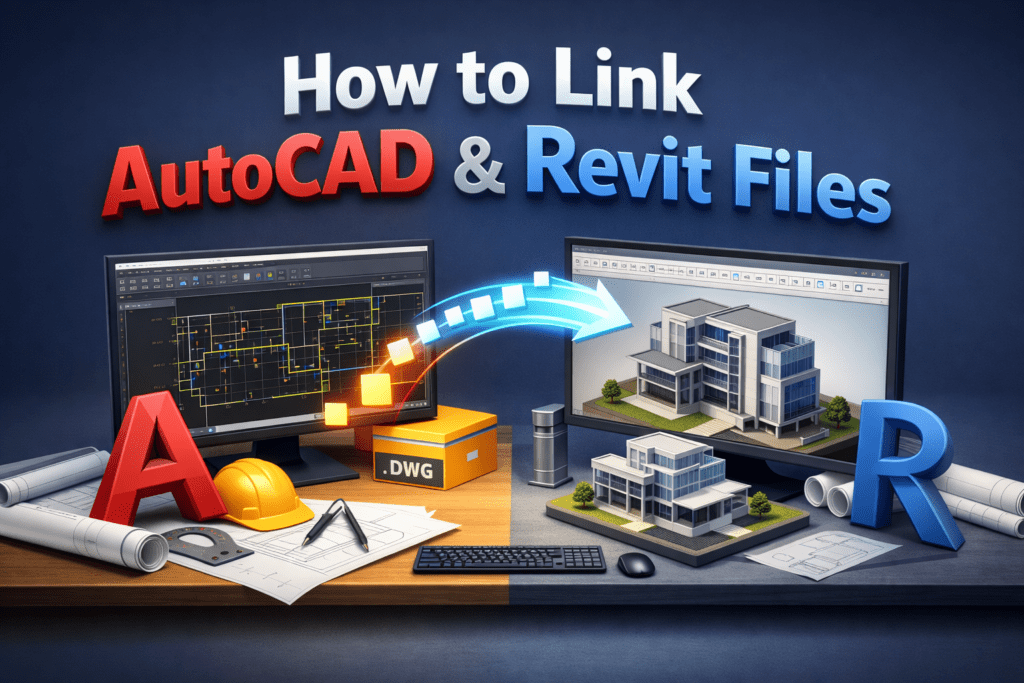
If you are new to the architecture, engineering, or construction industry, you have probably heard the names AutoCAD and Revit many times. Beginners often feel confused about which software to learn first and what the real difference is between the two. Although both tools are widely used in the construction industry, they serve very different purposes.
If you are new to the world of architecture, engineering, or construction, you have probably heard the name Revit many times. Many beginners feel confused at first and often ask the same question: What is Revit and why is it so important?
This complete beginner guide will explain what is Revit, how it works, who should learn it, and why it has become one of the most powerful tools in the construction industry today. This article is written in simple language so that even a complete beginner can understand it easily.
Understanding how floors connect with other structural elements is a fundamental requirement in building design and construction. Floors are not isolated components; they work together with columns, beams, and walls to transfer loads safely to the foundation. A clear floors and structural connections overview helps designers, engineers, and BIM professionals ensure structural integrity, constructability, and long-term durability of buildings.
Stairs and railings are more than just vertical circulation elements in a building. They directly affect safety, usability, aesthetics, and coordination between architectural, structural, and MEP disciplines. In Building Information Modeling (BIM), especially in Revit, modeling stairs and railings correctly can save a significant amount of time during documentation and reduce errors during construction.
Doors and Windows in Revit: Complete Guide from Placement to Custom Families Doors and windows in Revit are not just architectural openings; they are intelligent BIM components that define circulation, lighting, ventilation, safety, and coordination across disciplines. Correctly modeling doors and windows in Revit improves drawing accuracy, schedules, quantities, and construction coordination.This guide covers everything […]
Beams and Beam Systems in Revit play a vital role in any building model, as they support loads, maintain structural stability, and ensure proper coordination between architectural, structural, and MEP disciplines. In a BIM environment, precise modeling goes beyond simply placing elements; it focuses on achieving clarity, seamless coordination, and construction-ready documentation.