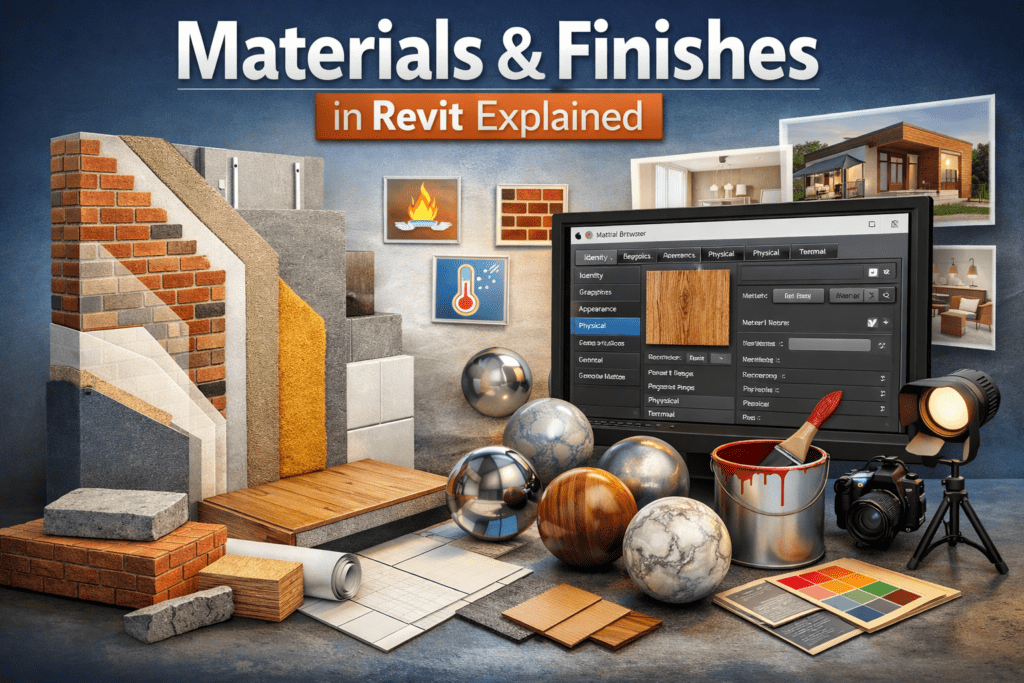
Materials & Finishes in Revit Explained
Building Information Modeling (BIM) is not only about walls, doors, and structural elements. A true BIM model reflects how a building looks, feels, and performs in the real world. This is where Materials and Finishes in Revit become extremely important. If you are working in Autodesk Revit, understanding materials properly will improve your renderings, schedules, takeoffs, and presentation quality.