Author name: Aamir

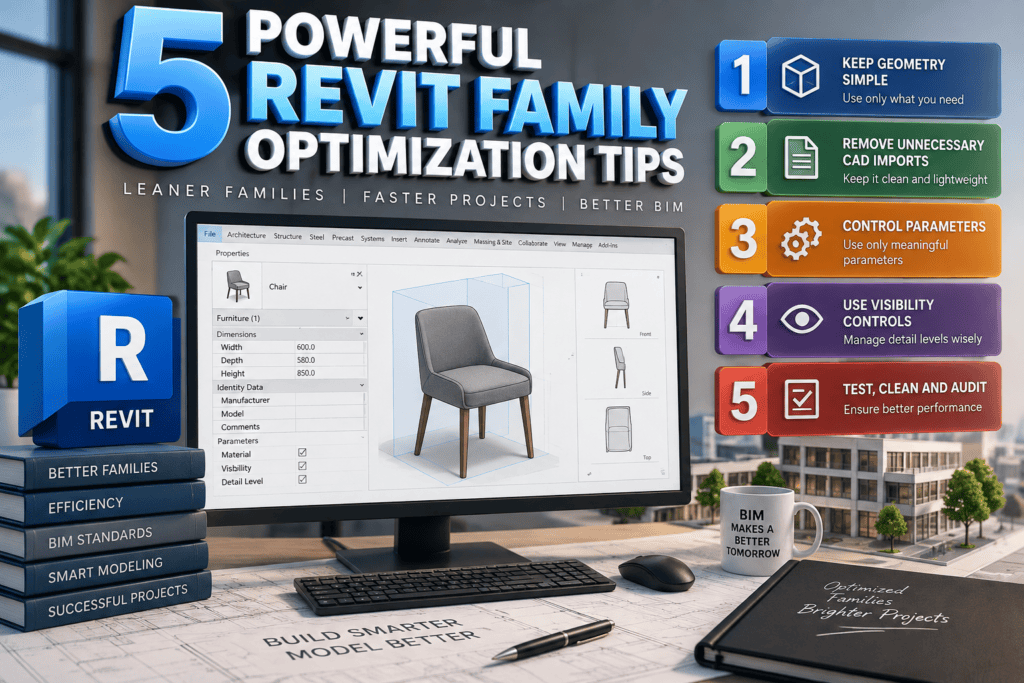
5 Powerful Revit Family Optimization Tips – 3D BIM workspace showing Revit family optimization, simplified geometry, parameters, visibility controls, and performance improvements.
Blog

5 Powerful Revit Family Optimization Tips

If you work with Autodesk Revit on a regular basis, you already know that families are at the heart of almost every BIM project. Doors, windows, furniture, plumbing fixtures, equipment, structural components, and countless other objects are created and managed as Revit families. When these families are well-built, your project can run smoothly. When they are poorly designed, even a powerful computer can struggle.
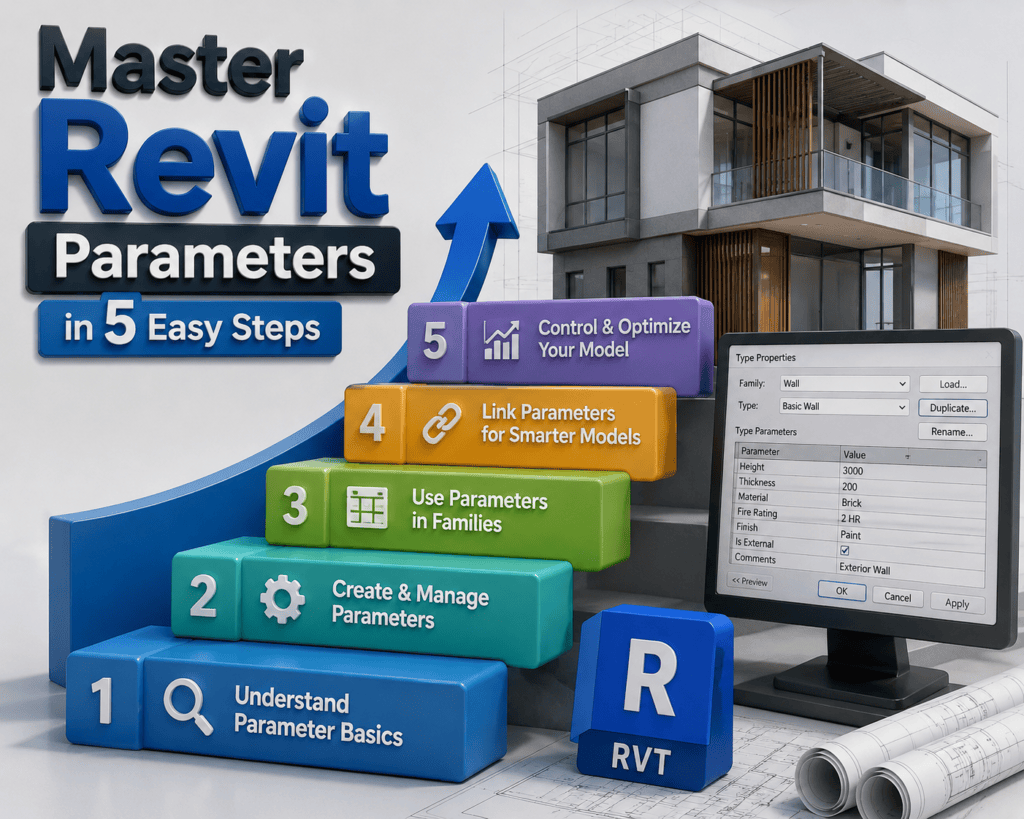
A 3D isometric illustration titled ā€œMaster Revit Parameters in 5 Easy Steps,ā€ featuring five colorful numbered steps, a rising arrow, a modern architectural building, Revit-style parameter settings on a computer screen, an RVT block, and architectural blueprints.
Blog

Master Revit Parameters in 5 Easy Steps

If you want to create smarter, more flexible, and easier-to-manage Revit models, Master Revit Parameters in 5 Easy Steps is a skill worth learning. Parameters help you control geometry, information, materials, and family behavior without repeatedly editing individual elements.

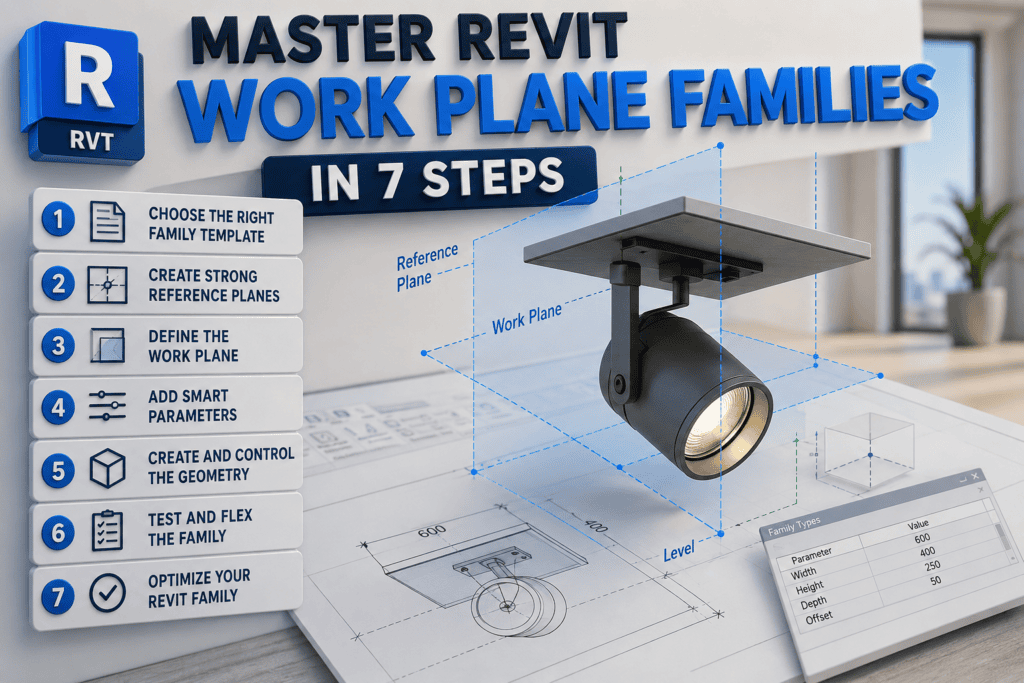
3D illustration showing how to master Revit work plane families in 7 steps, including family templates, reference planes, work planes, parameters, geometry, testing, and optimization.
Blog

Master Revit Work Plane Families in 7 Steps

If you want to improve your BIM skills and create smarter Revit content, learning how to Master Revit Work Plane Families in 7 Steps is an excellent place to start. Work plane-based families give Revit users greater flexibility and control when placing components in different project conditions.

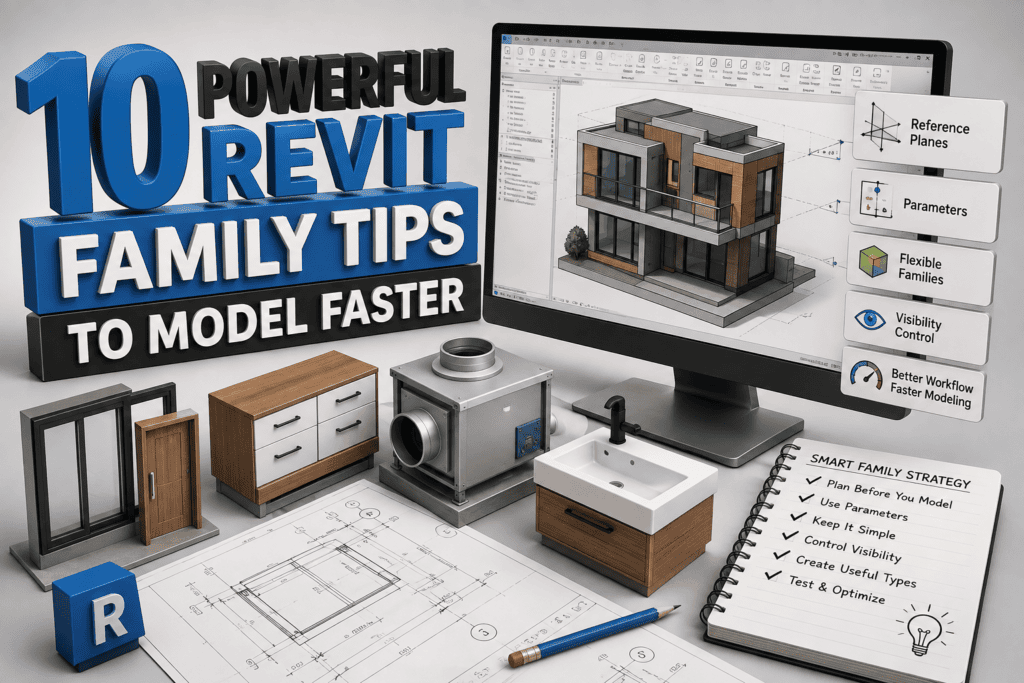
10 Powerful Revit Family Tips to Model Faster – 3D illustration showing Revit family modeling, parameters, reference planes, visibility controls, and BIM components.
Blog

10 Powerful Revit Family Tips to Model Faster

If you work in Autodesk Revit, you probably know that family creation can either make your workflow incredibly efficient or turn into one of the most frustrating parts of a project. A family that is properly planned can be reused hundreds of times, while a poorly built family can force you to repeat the same work again and again.

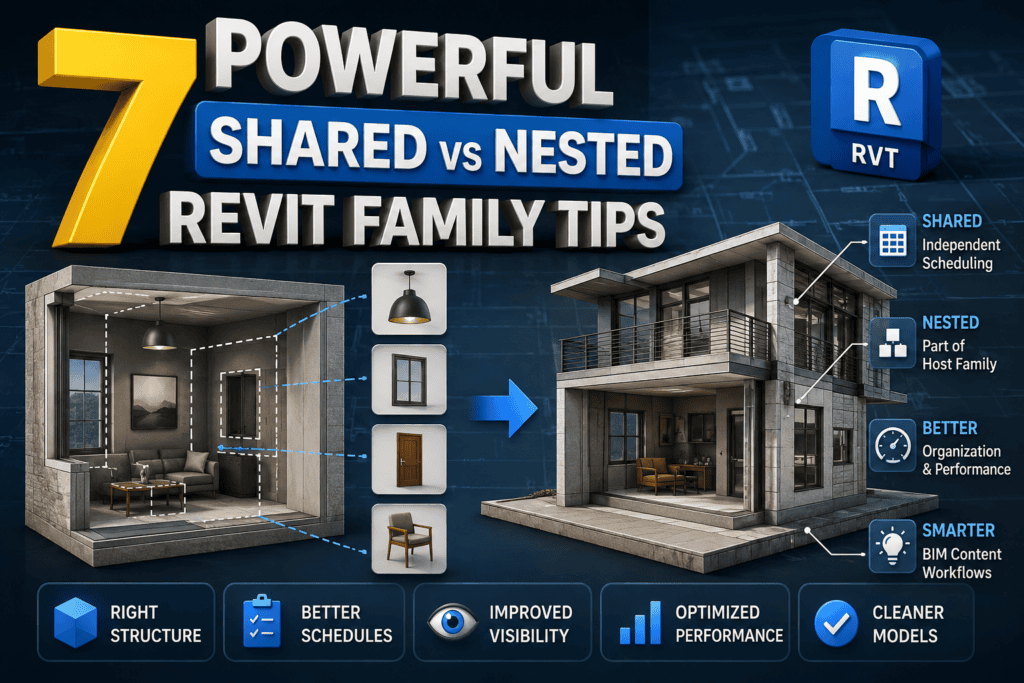
7 Powerful Shared vs Nested Revit Family Tips 3D BIM illustration
Blog

7 Powerful Shared vs Nested Revit Family Tips

Revit families are a fundamental part of any professional BIM workflow. Whether you work with architectural components, MEP equipment, furniture, lighting fixtures, doors, windows, or manufacturer-specific content, the way you structure your families can have a significant impact on project efficiency and organization.

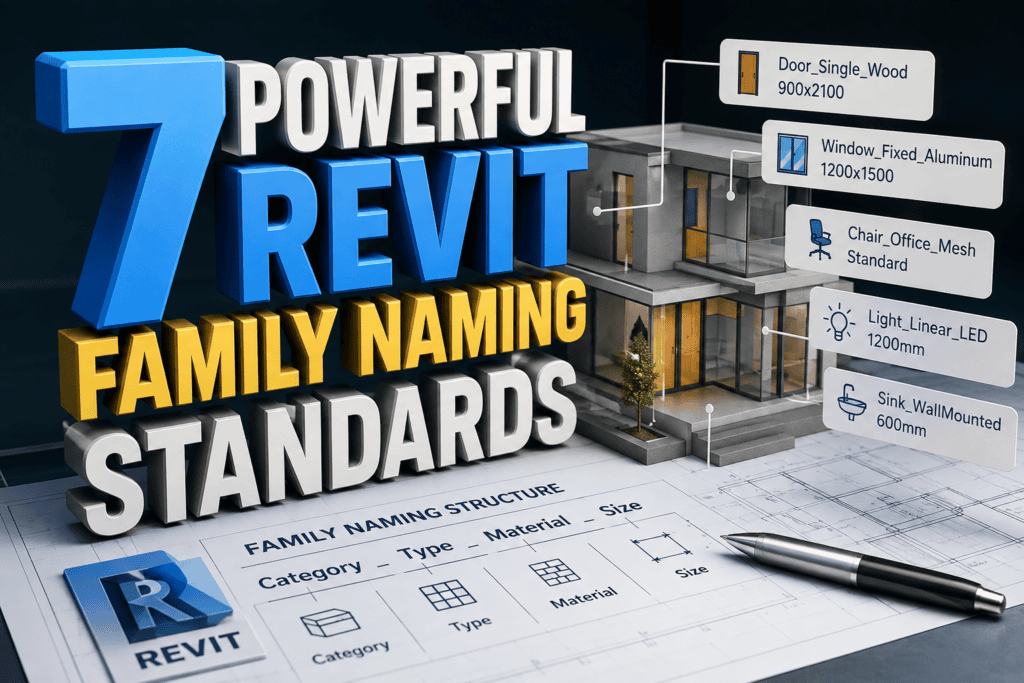
7 Powerful Revit Family Naming Standards 3D BIM illustration
Blog

7 Powerful Revit Family Naming Standards

A well-organized Revit project is not just about creating accurate models. It is also about making sure that every family, type, view, sheet, and parameter can be easily understood by everyone working on the project. This becomes especially important when multiple BIM professionals are working on the same model.

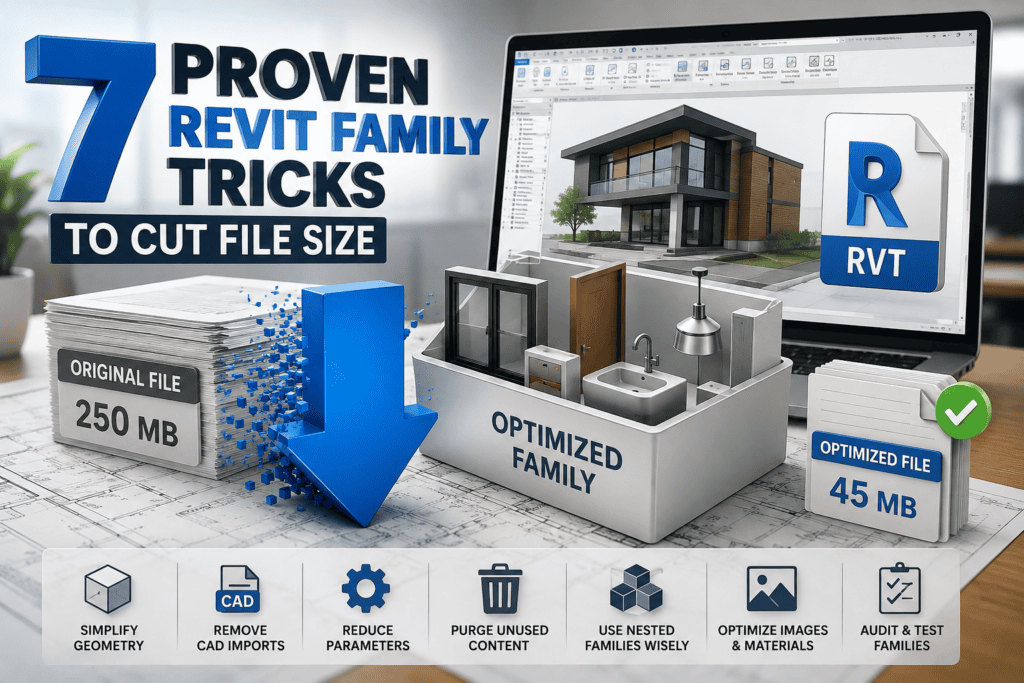
3D illustration showing 7 Proven Revit Family Tricks to Cut File Size with optimized Revit families, file size reduction, and BIM performance improvements.
Blog

7 Proven Revit Family Tricks to Cut File Size

If your Revit project takes forever to open, crashes unexpectedly, or becomes painfully slow while modeling, you’re not alone. One of the biggest reasons behind poor Revit performance is oversized and poorly optimized families. Every unnecessary line, imported CAD file, high-resolution image, or excessive parameter adds weight to your project, making it slower and harder to manage.

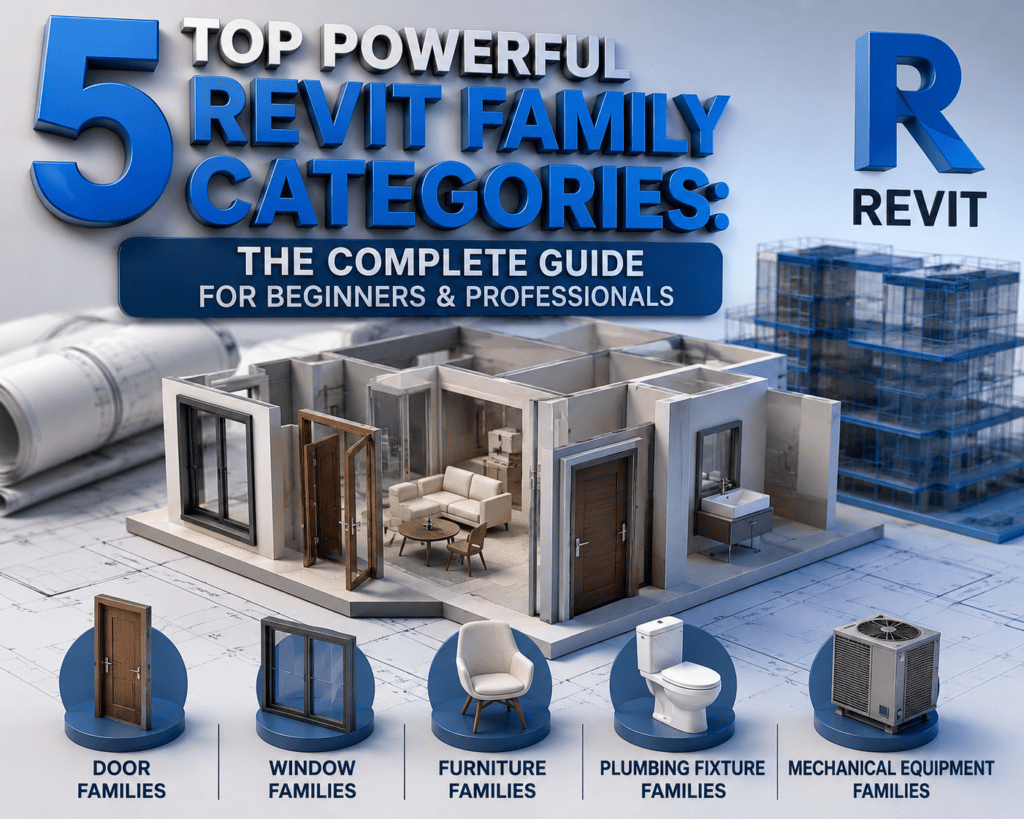
5 Top Powerful Revit Family Categories with 3D building model showing door, window, furniture, plumbing fixture, and mechanical equipment families in Autodesk Revit
Blog

5 Top powerful Revit Family Categories

If you want to master Autodesk Revit, one of the most important concepts you must understand is 5 Top Powerful Revit Family Categories. Whether you are a beginner starting your BIM journey or an experienced Revit professional working on commercial, residential, or industrial projects, knowing the 5 Top Powerful Revit Family Categories can dramatically improve your workflow, project organization, and productivity.

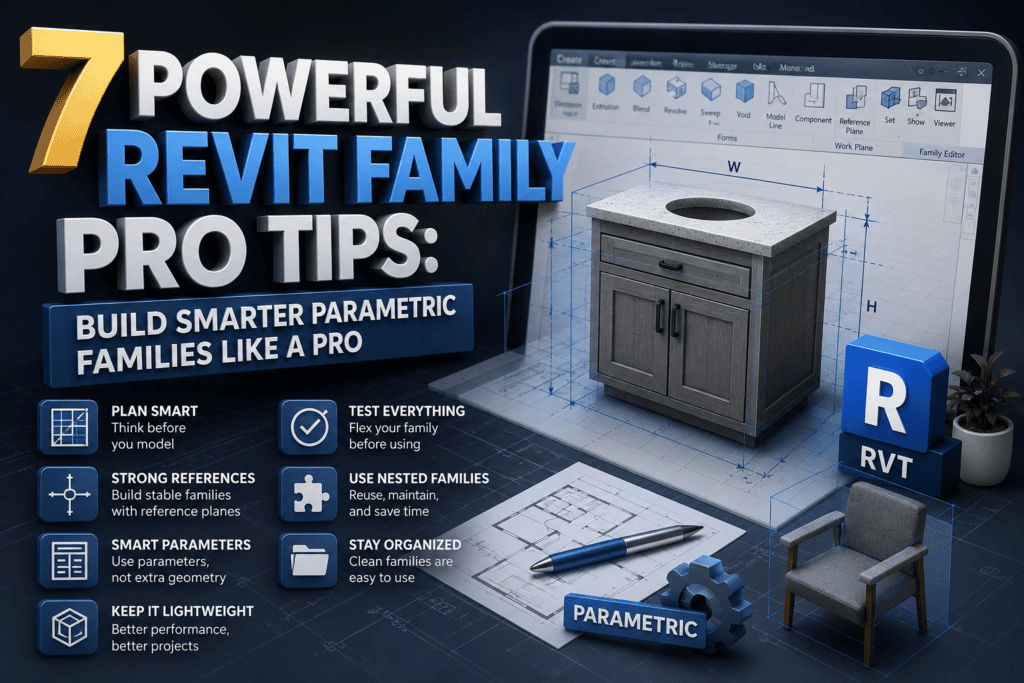
7 Powerful Revit Family Pro Tips showing a 3D parametric cabinet family with reference planes, dimensions, and professional BIM modeling workflow.
Blog

7 Powerful Revit Family Pro Tips

Creating a Revit family is one thing—but creating a smart, lightweight, and fully parametric Revit family that performs flawlessly in real-world BIM projects is another challenge altogether.

If you’ve ever spent hours fixing broken constraints, struggling with formulas, or rebuilding a family from scratch because it wouldn’t flex correctly, you’re not alone. Every Revit professional has faced these frustrations. The good news is that they can be avoided with the right approach.

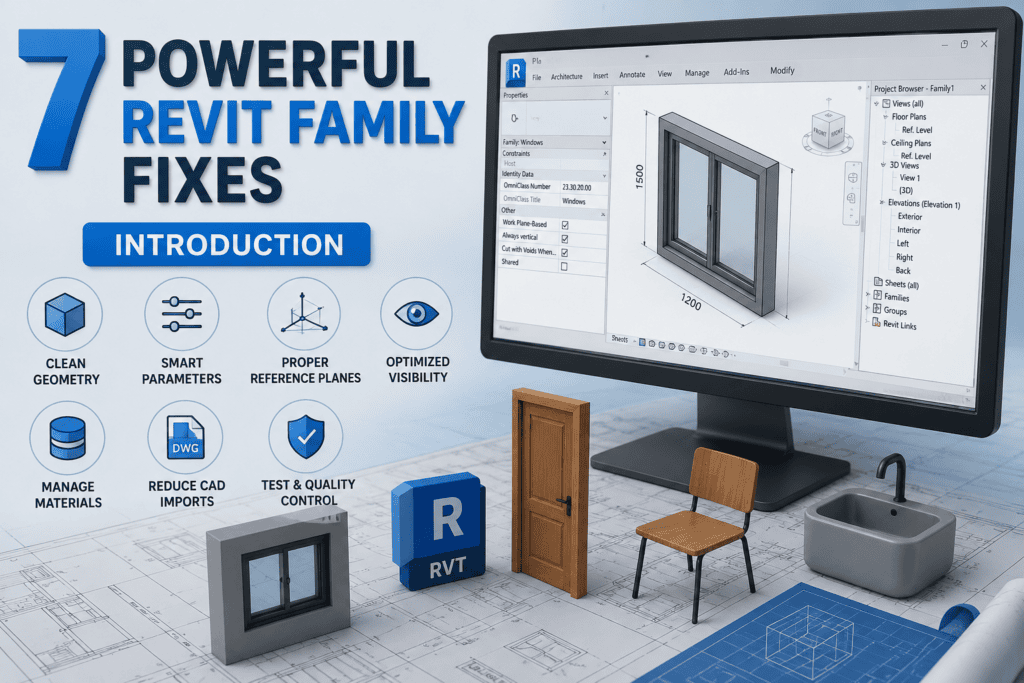
7 Powerful Revit Family Fixes infographic showing optimized Revit family workflow, BIM modeling, parameters, visibility settings, and quality control
Blog

7 Powerful Revit Family Fixes part (2)

Every successful BIM project begins with high-quality Revit families. Whether you’re designing architectural elements, structural components, or MEP systems, the performance of your model depends heavily on the quality of its families. Implementing 7 Powerful Revit Family Fixes can significantly improve model efficiency, reduce errors, and create a smoother workflow for everyone involved in the project.

Scroll to Top