Blog

3D illustration of 7 Powerful Tips for Nested Families in Revit with tools and BIM elements
Blog

7 Powerful Tips for Nested Families in Revit

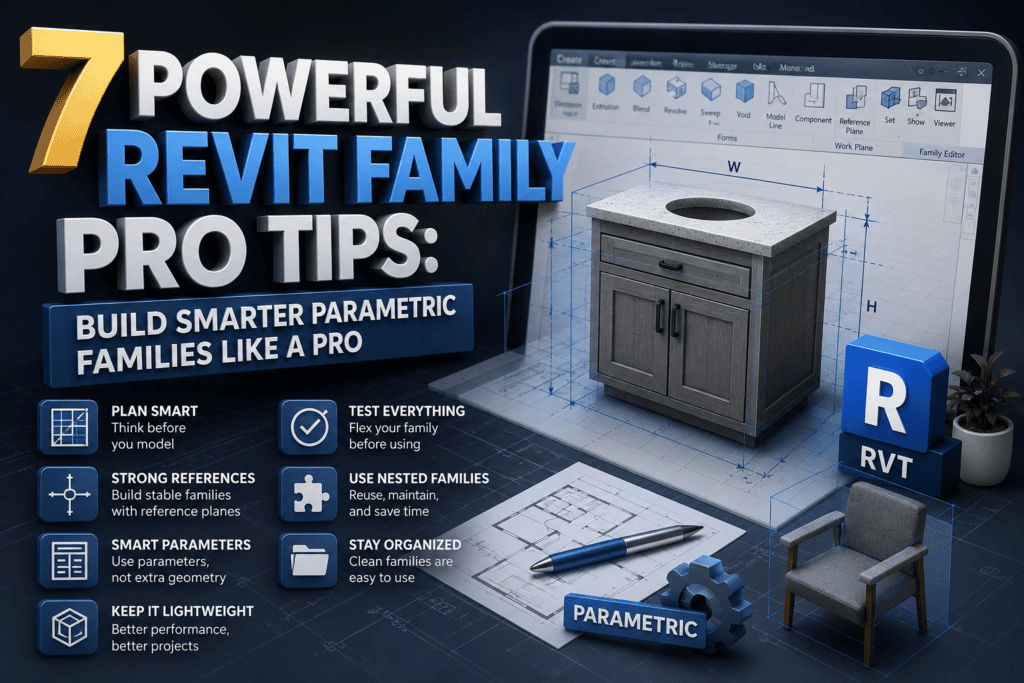
Nested families in Revit can completely transform how you build, manage, and scale your BIM models. If you’ve ever struggled with repeating elements, complex assemblies, or making your families more flexible, then learning them is essential—and that’s exactly where these 7 Powerful Tips for Nested Families in Revit come in.

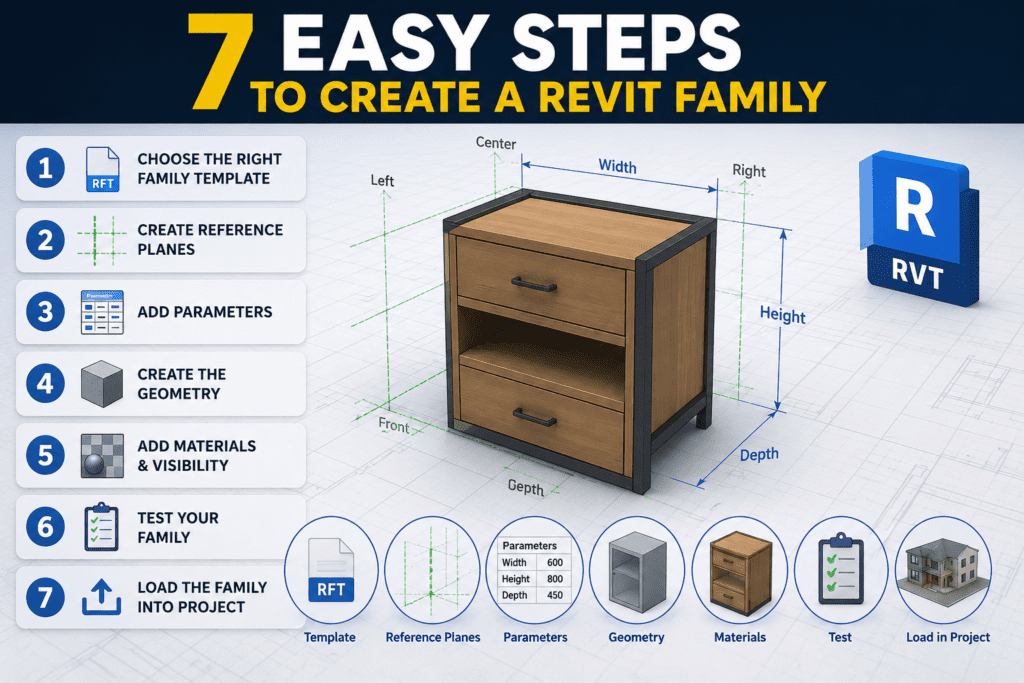
3D illustration of 10 Powerful Revit Family Creation Techniques with BIM modeling and parametric design workflow
Blog

10 Powerful Revit Family Creation Techniques

10 Powerful Revit Family Creation Techniques are essential for anyone working in the BIM industry. Revit has become a powerful tool, and one of its core strengths is family creation. Mastering these techniques can significantly improve your workflow, accuracy, and overall project quality, whether you are a beginner or an experienced professional.

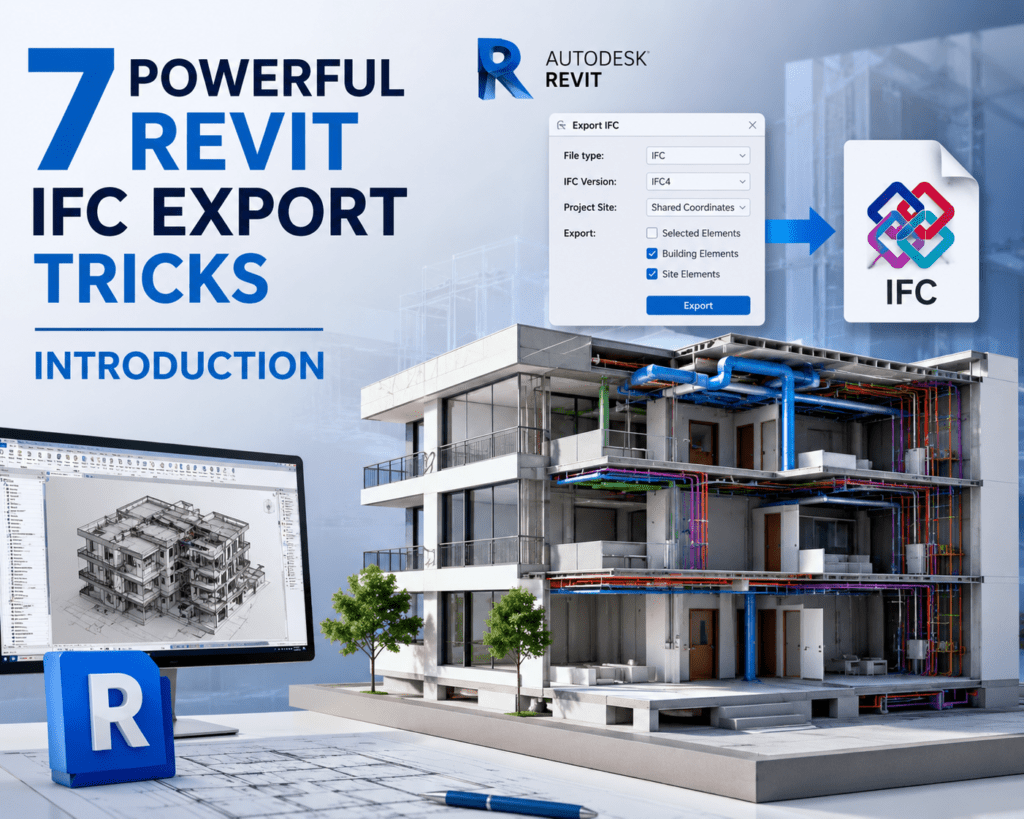
3D illustration showing how to link AutoCAD DWG drawings with a Revit BIM model workflow
Blog

How to Link AutoCAD & Revit Files

In the Architecture, Engineering, and Construction (AEC) industry, AutoCAD and Revit are two of the most widely used design tools. Many projects start with AutoCAD drawings and later move into Revit for Building Information Modeling (BIM), which makes it important for professionals to understand How to Link AutoCAD & Revit Files efficiently.

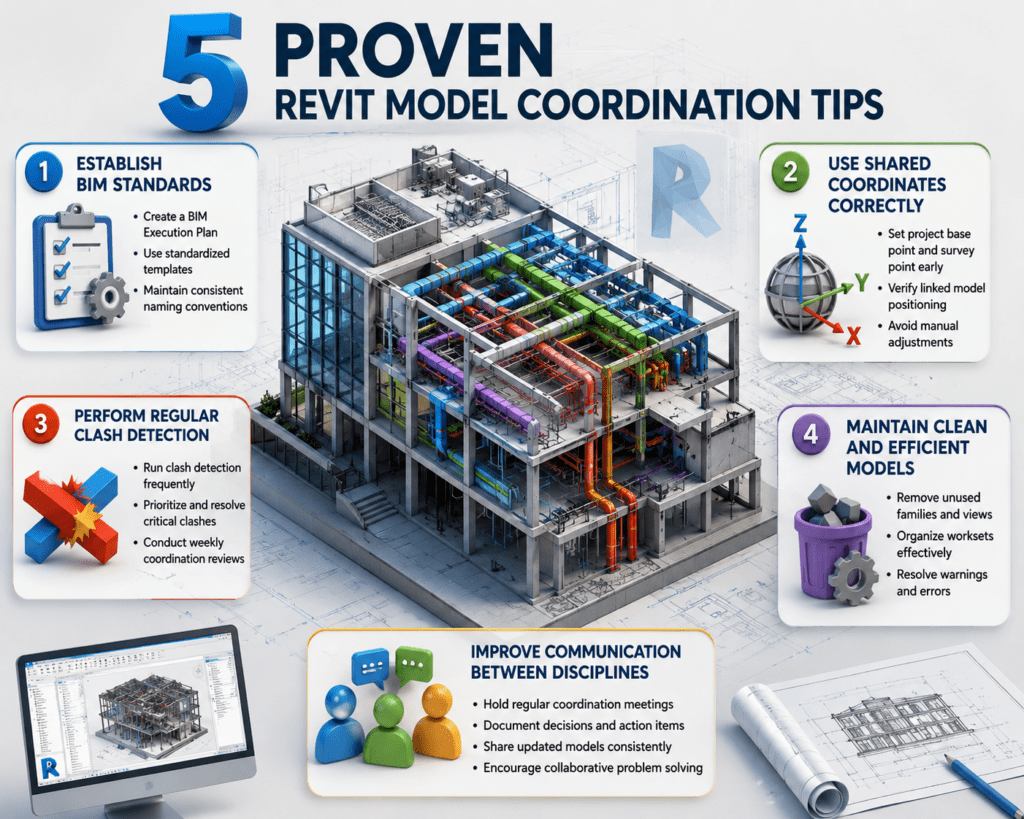
3D illustration showing Worksets and collaboration in Autodesk Revit with central model, local files, and multi-discipline BIM team working on a building model.
Blog

Worksets & Collaboration in Revit

Worksets & Collaboration in Revit have transformed the way architects, engineers, and designers work together on modern construction projects. Today’s BIM projects are complex and require multiple professionals to collaborate on a single model at the same time. With the help of Worksets & Collaboration in Revit, teams can efficiently manage shared models, coordinate their work, and avoid overwriting each other’s changes while working in a collaborative BIM environment.

3D illustration of Revit View Templates explained showing BIM model and view template settings
Blog

Revit View Templates Explained

Revit View Templates Explained helps users understand how to maintain consistent graphics and visibility settings across multiple views in Autodesk Revit. In large projects with hundreds of views, managing visibility settings, detail levels, view scales, filters, and graphic overrides individually can quickly become difficult. Without using view templates, manually adjusting these settings for every view can consume significant time and increase the risk of inconsistencies in project documentation.

3D illustration showing how to export Revit schedules to Excel with Revit model, schedule table, and Excel sheet connected by arrow
Blog

How to Export Revit Schedules to Excel

If you are learning How to Export Revit Schedules to Excel, it’s important to first understand how powerful schedules are inside Revit. In Building Information Modeling (BIM), schedules allow you to extract quantities, track materials, review equipment data, and manage project information directly from your model before exporting it to Excel for further analysis.

3D illustration of Revit schedules showing door schedule, window schedule, and quantity tables with a modern house model and architectural blueprints.
Blog

Revit Schedules Explained

Revit schedules are one of the most powerful tools inside a BIM workflow. While many users focus heavily on modeling and 3D visualization, the real strength of Building Information Modeling lies in data. Schedules transform model elements into organized, live, and intelligent tables that update automatically as your project evolves.

3D isometric rendering of Revit annotations showing dimensions, tags, text notes, room tags, door tag D102, level marker, and material keynote inside an office model.
Blog

Revit Annotations

When we talk about professional BIM documentation, modeling is only half of the job. The real clarity of a project comes from how well it is documented. In Autodesk Revit, annotations play a critical role in turning a 3D model into clear, understandable construction drawings.

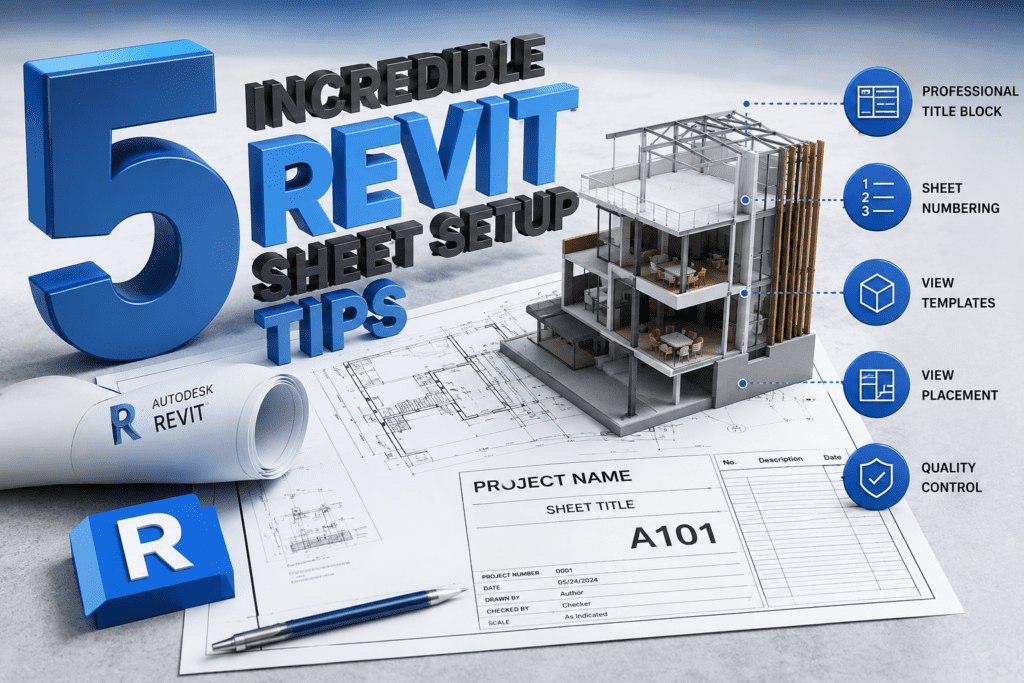
3D illustration showing how to create sections and callouts properly with building cut section, wall detail callout, and architectural drafting tools.
Blog

How to Create Sections & Callouts Properly

Understanding How to Create Sections & Callouts Properly is one of the most essential skills in architectural drafting and BIM documentation. Floor plans alone cannot fully explain a building’s design intent. To clearly communicate vertical relationships, detailed construction elements, and complex connections, you must know how to create sections and callouts properly with accurate placement and clear detailing.

3D illustration of Revit Phasing showing existing, demolished, and new construction elements in a BIM model
Blog

Revit Phasing Explained

Building Information Modeling (BIM) is not only about creating 3D geometry. It is also about managing time, construction stages, and renovation processes inside a single intelligent model. One of the most powerful features in Autodesk Revit that helps manage time-based changes is Phasing.

Scroll to Top