
Columns in Revit – Architectural & Structural Design Guide
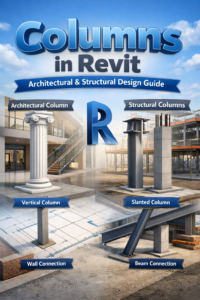
Columns are one of the most important elements in a building model. In Revit, columns are not just vertical supports; they define architectural rhythm, carry structural loads, and connect multiple building systems. Understanding how columns in Revit work—from placement to family types and connections—helps create accurate, professional, and construction-ready BIM models.
Understanding Columns in Revit
Revit categorizes columns into two main types: architectural and structural. Each serves a specific purpose and behaves differently in the model.
Architectural Columns in Revit
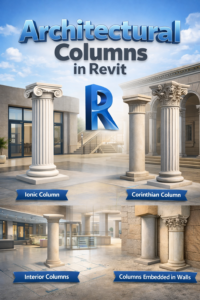
Architectural columns are primarily used for design and visual intent. These columns often appear in interior spaces, facades, and decorative elements.
Where Architectural Columns Are Used
-
Interior layouts
-
Exterior elevations
-
Decorative and classical designs
-
Columns embedded within walls
Key Characteristics of Architectural Columns
-
Focus on appearance rather than load-bearing
-
Controlled by architectural levels
-
Easily customized with materials and finishes
Structural Columns in Revit
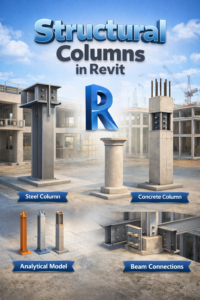
Structural columns are load-bearing elements responsible for transferring forces to the foundation.
Common Applications of Structural Columns
-
Concrete and steel structures
-
Framing systems
-
Load calculations and analysis
Key Characteristics of Structural Columns
-
Include analytical data
-
Coordinate with beams and foundations
-
Used by structural engineers
Column Placement Methods in Revit
Revit provides flexible placement options that allow columns to adapt to both traditional and modern designs.
Vertical Column Placement in Revit
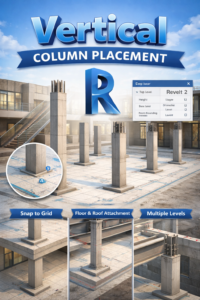
Vertical columns are the most commonly used type in building design.
How Vertical Columns Work
-
Placed from base level to top level
-
Can be attached to floors or roofs
-
Easily aligned with grids
Best Use Cases for Vertical Columns
-
Residential buildings
-
Commercial structures
-
Repetitive structural layouts
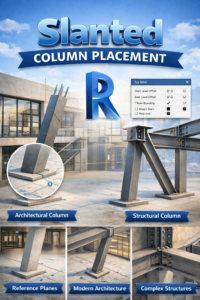
Slanted Column Placement in Revit
Slanted columns allow designers to create dynamic and modern architectural forms.
Features of Slanted Columns
-
Adjustable angle
-
Controlled by reference planes
-
Can be structural or architectural
When to Use Slanted Columns
-
Contemporary designs
-
Large atriums
-
Unique structural systems
Column Families and Types in Revit
Column families define the shape, behavior, and data of columns in a Revit project.
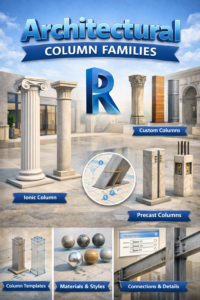
Architectural Column Families in Revit
These families focus on aesthetics and interior or exterior appearance.
Common Architectural Column Types
-
Rectangular columns
-
Circular columns
-
Decorative classical columns
Advantages of Architectural Column Families
-
High visual flexibility
-
Easy material control
-
Ideal for design-focused models
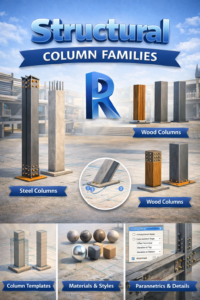
Structural Column Families in Revit
Structural families are engineered for real-world construction accuracy.
Common Structural Column Types
-
Concrete columns
-
Steel I-sections and HSS
-
Composite columns
Advantages of Structural Column Families
-
Accurate load behavior
-
Analytical model support
-
Better coordination with beams
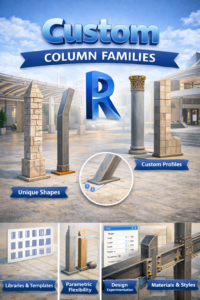
Custom Column Families in Revit
Custom families allow unique shapes and specialized behavior.
Why Create Custom Columns
-
Unique architectural concepts
-
Specialized structural requirements
Best Practices for Custom Families
-
Decide architectural vs structural behavior early
-
Keep parameters simple and clear
Joining Columns in Revit with Walls
Proper column-wall joins improve drawing clarity and construction accuracy.
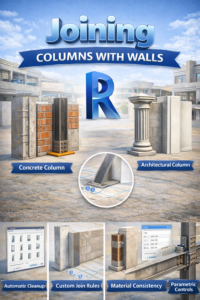
Column and Wall Join Behavior
Revit allows control over how columns and walls interact.
Join Geometry Tool
-
Controls cut priority
-
Improves plan and section views
Common Join Issues
-
Overlapping geometry
-
Incorrect wall wrapping
Embedded Columns in Walls
Architectural columns can be embedded within walls for a clean appearance.
Typical Use Cases
-
Pilasters
-
Feature walls
Benefits of Embedded Columns
-
Cleaner elevations
-
Better visual integration
Joining Columns with Beams
Column-beam connections define the structural load path.
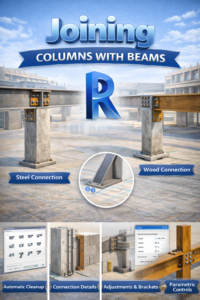
Beam-to-Column in Revit Connections
Structural columns automatically connect with beams when aligned correctly.
Key Requirements
-
Same level alignment
-
Correct column type
Why This Matters
-
Accurate framing plans
-
Better clash detection
Managing Complex Connections
Some designs require advanced coordination.
Common Challenges
-
Multiple beams at different heights
-
Slanted or transfer beams
Recommended Checks
-
Review in 3D views
-
Validate sections
Best Practices for Modeling Columns in Revit
Following standard practices ensures a clean and professional BIM model.
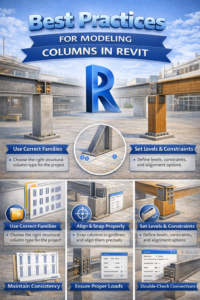
Recommended Modeling Guidelines
-
Use structural columns for load-bearing elements
-
Keep architectural columns for design intent
-
Align columns with grids
Coordination Tips
-
Check joins in plans and sections
-
Maintain consistent naming
Long-Term Benefits
-
Reduced errors
-
Better team coordination
Conclusion
Columns are fundamental elements in Revit that connect architecture and structure. By understanding architectural and structural columns, mastering vertical and slanted placement, selecting the right families, and properly joining columns with walls and beams, you can produce high-quality, construction-ready BIM models.