Revit 2025 Templates Explained: How to Create, Customize, and Use Them Effectively
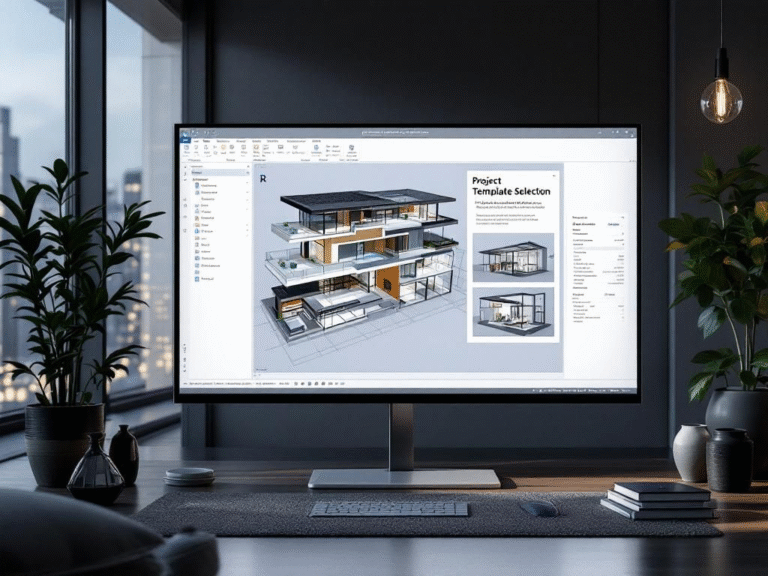
If you’re starting a new project in Revit, one of the most powerful ways to save time and maintain consistency is by using templates. Revit templates define your project’s structure before you evenbegin — setting up views, units, title blocks, families, and standards in one place. In this guide, we’ll explore how templates work in Revit 2025, why they’re so important, and how you can create your own customized template for maximum efficiency.
What Is a Revit Template?
A Revit template (.rte file) is a pre-configured file that contains all the basic project settings, styles, and components you need before starting your design. It helps architects, engineers, and designers maintain standardization across multiple projects. A good template can include view templates, title blocks, annotation styles, loaded families, project parameters, and standardized levels and grids
Why Templates Matter
Using a Revit template speeds up project setup, ensures consistent standards, reduces repetitive work, improves collaboration across teams, and supports BIM workflows and data accuracy.
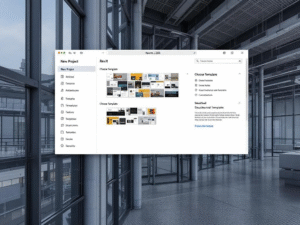
Types of Templates in Revit
1. Default Revit Templates – Architectural, Structural, Mechanical, and Construction Templates provided by Autodesk.
2. Custom Templates – Created by users or firms to match project types or company standards
How to Create a Custom Revit Template
1. Start a New Project: Open Revit → New Project → Choose a base template.
2. Set Up Project Standards: Define units, levels, grids, and object styles.
3. Load Common Families: Add frequently used components.
4. Customize Annotation Styles: Adjust dimension, text, and tag settings.
5. Save as a Template (.rte): File → Save As → Template
Tips for Maintaining a Professional Template
Review templates yearly, include only necessary families, add company logos, and document template changes for your team. You can also explore Autodesk’s template management guide for professional workflows.
Using a Template in a New Project
When starting a new project: File → New → Project → Choose your custom template → OK. Your project will load with predefined settings, ready to design

Common Mistakes to Avoid
Avoid overloading templates, ignoring version compatibility, or missing project parameters like shared coordinates.
Conclusion
Templates are one of Revit’s most underrated tools. With Revit 2025, the power to standardize, speed up, and simplify your projects is right at your fingertips. Whether you’re an architect, engineer, or BIM manager, investing time in a well-structured Revit template will pay off in every future project.