If you are new to the architecture, engineering, or construction industry, you have probably heard the names AutoCAD and Revit many times. Beginners often feel confused about which software to learn first and what the real difference is between the two. Although both tools are widely used in the construction industry, they serve very different purposes.
If you are new to the world of architecture, engineering, or construction, you have probably heard the name Revit many times. Many beginners feel confused at first and often ask the same question: What is Revit and why is it so important?
This complete beginner guide will explain what is Revit, how it works, who should learn it, and why it has become one of the most powerful tools in the construction industry today. This article is written in simple language so that even a complete beginner can understand it easily.
Understanding how floors connect with other structural elements is a fundamental requirement in building design and construction. Floors are not isolated components; they work together with columns, beams, and walls to transfer loads safely to the foundation. A clear floors and structural connections overview helps designers, engineers, and BIM professionals ensure structural integrity, constructability, and long-term durability of buildings.
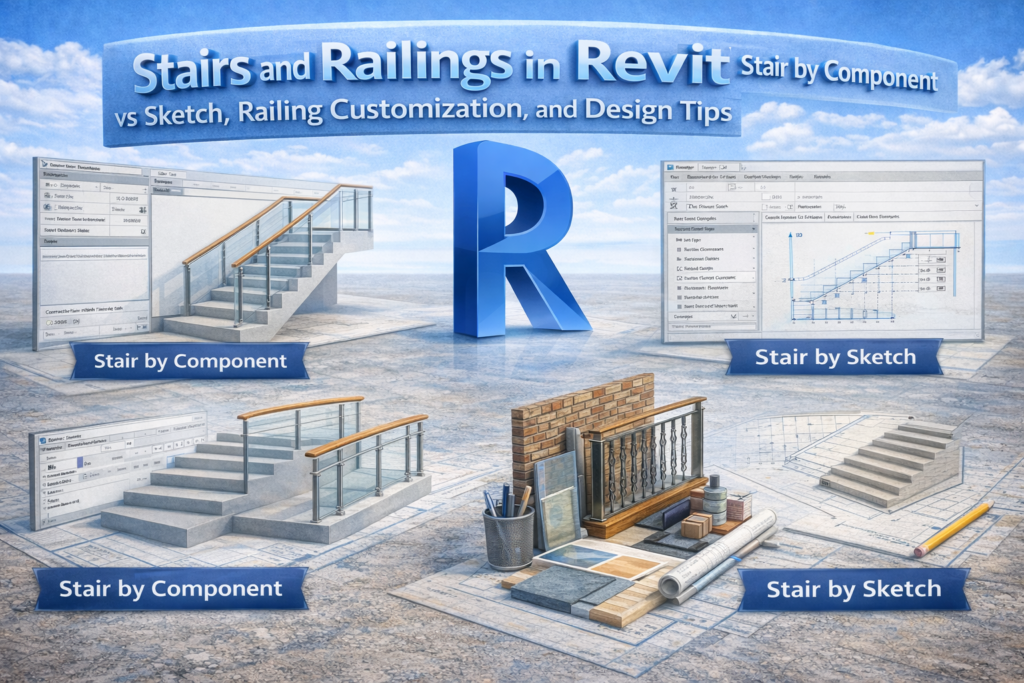
Stairs and railings are more than just vertical circulation elements in a building. They directly affect safety, usability, aesthetics, and coordination between architectural, structural, and MEP disciplines. In Building Information Modeling (BIM), especially in Revit, modeling stairs and railings correctly can save a significant amount of time during documentation and reduce errors during construction.
Doors and Windows in Revit: Complete Guide from Placement to Custom Families Doors and windows in Revit are not just architectural openings; they are intelligent BIM components that define circulation, lighting, ventilation, safety, and coordination across disciplines. Correctly modeling doors and windows in Revit improves drawing accuracy, schedules, quantities, and construction coordination.This guide covers everything […]
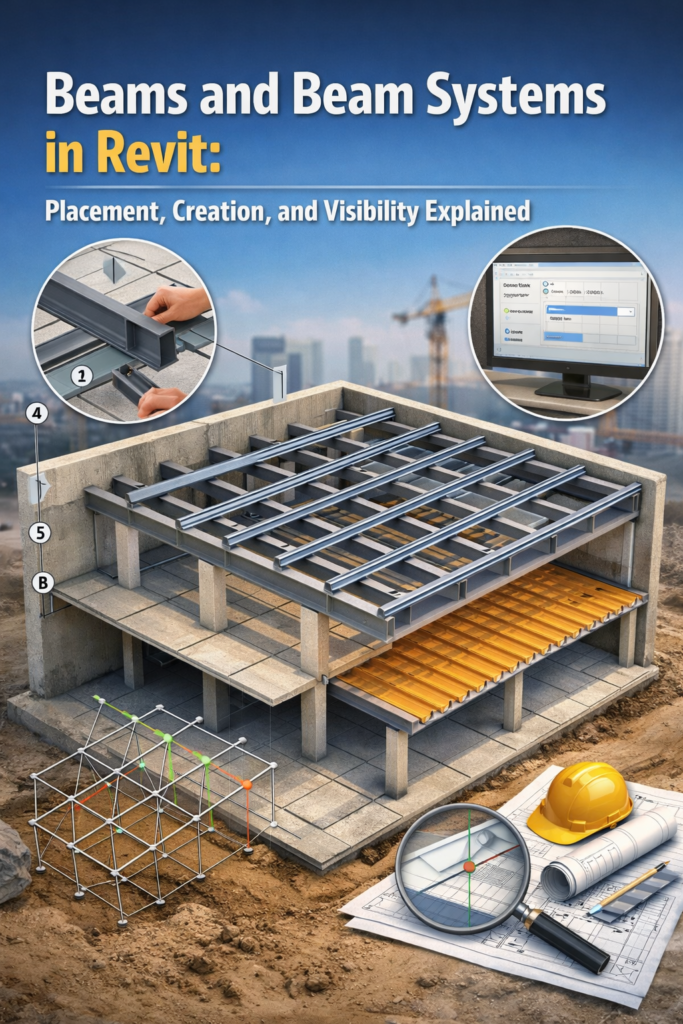
Beams and Beam Systems in Revit play a vital role in any building model, as they support loads, maintain structural stability, and ensure proper coordination between architectural, structural, and MEP disciplines. In a BIM environment, precise modeling goes beyond simply placing elements; it focuses on achieving clarity, seamless coordination, and construction-ready documentation.
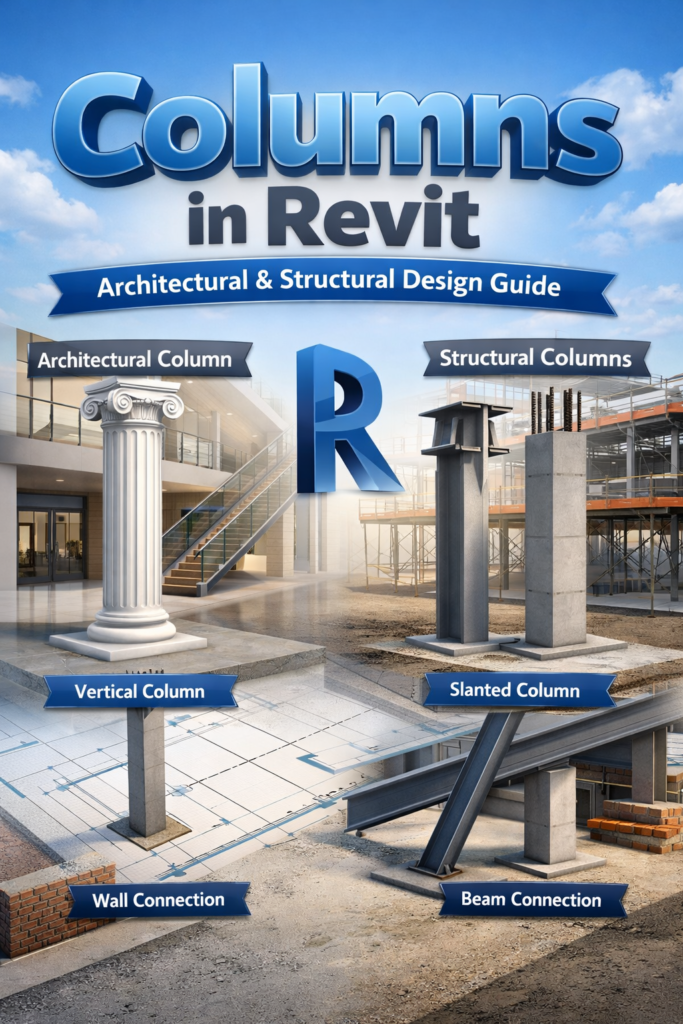
Columns in Revit – Architectural & Structural Design Guide Columns are one of the most important elements in a building model. In Revit, columns are not just vertical supports; they define architectural rhythm, carry structural loads, and connect multiple building systems. Understanding how columns in Revit work—from placement to family types and connections—helps create accurate, […]
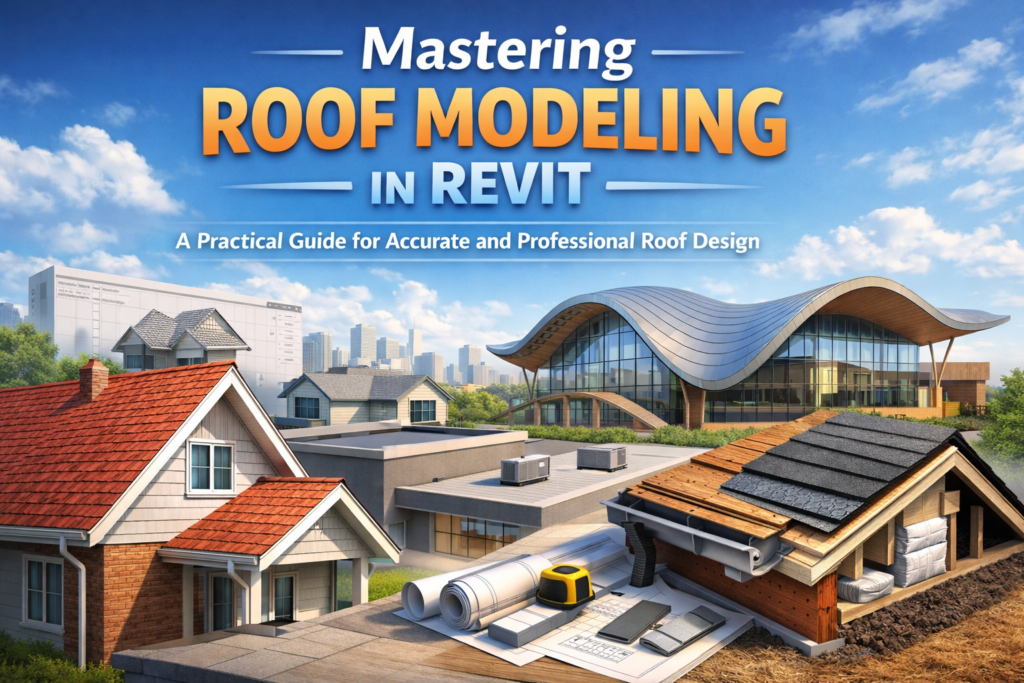
Roof modeling is one of the most expressive and important parts of architectural design. A roof doesn’t just protect a structure; it shapes the identity of the building. Whether you’re creating a simple gable roof for a residence, a flat roof with parapets for a commercial project, or a complex multi-surface roof for a modern design, Revit gives you the flexibility to model all of them.
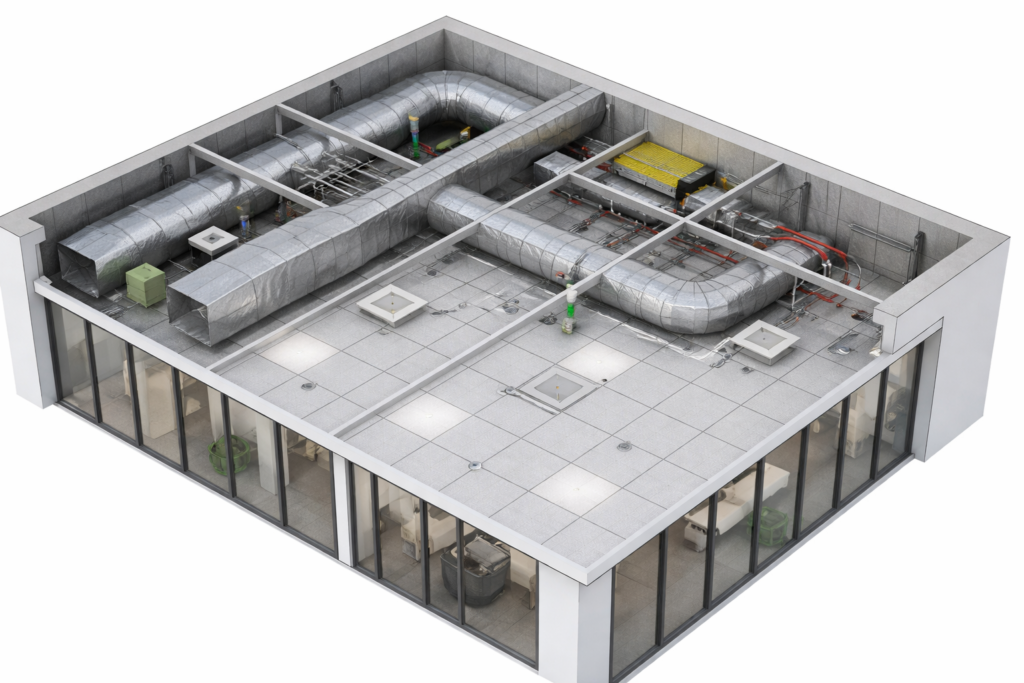
In architectural modeling, ceilings rarely get the attention they deserve. Floors, walls, and facades often take the spotlight, while ceilings—quietly housing lighting systems, diffusers, sprinklers, access panels, and acoustic treatments—work behind the scenes. Yet in any interior space, the ceiling plays a major role in both function and appearance.
Inside Revit, the ceiling tool is powerful enough to handle simple flat surfaces or complex, multi-layered ceiling systems. Designers can create everything from decorative soffits to mechanical service zones. But like many tools in Revit, the ceiling tool can feel confusing at first. Should you use an automatic ceiling or sketch one manually? How do you build a ceiling grid that works with your lighting layout? What’s the right workflow for coordinating with MEP systems?
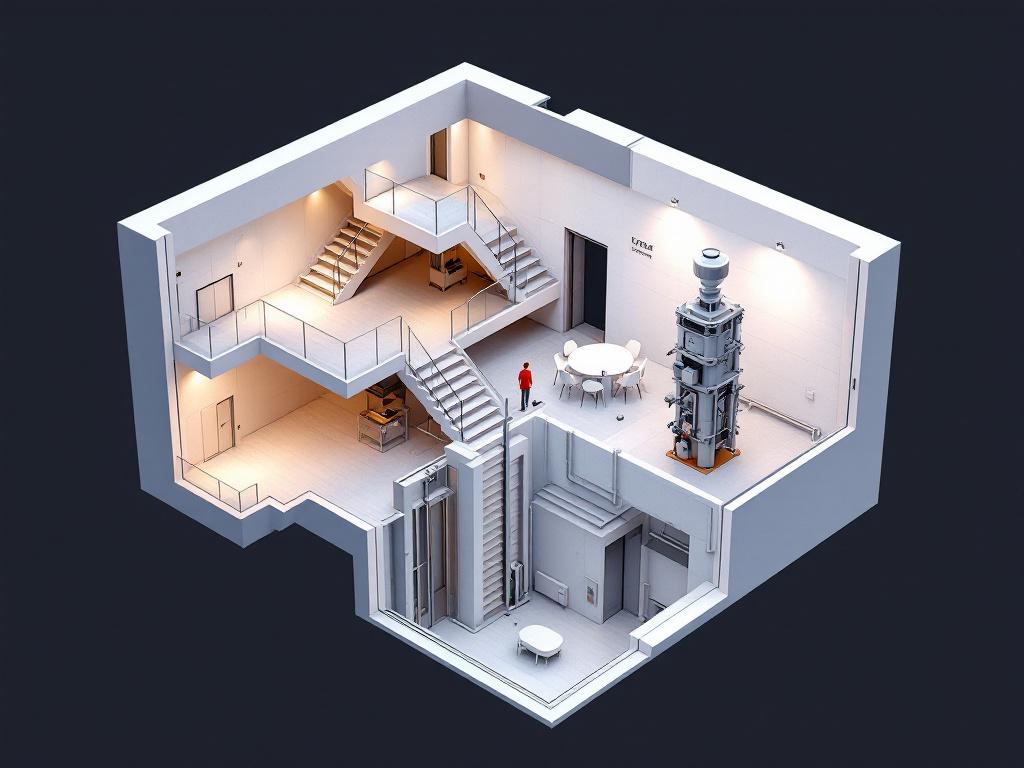
When working on a building project in Revit, one of the most essential responsibilities is coordinating vertical openings. Whether it’s for a staircase, an elevator shaft, a duct chase, or a plumbing riser, every multi-level building relies on carefully placed openings to allow circulation and services to pass from one floor to another.
If you’ve spent any time working in Revit, you already know that floors are much more than flat surfaces. They are systems—sometimes simple, sometimes complex—that influence everything from load distribution and fire ratings to finishes, drainage, and even how spaces feel. Yet for many new (and not-so-new) users, navigating Revit’s floor tools can feel like stepping into a maze. Which floor type should I use? How do layers actually work? What’s the correct way to add a finish? And how do I create slopes without accidentally tilting the entire building?
This post breaks down the essentials: structural vs. architectural floors, compound structures and material layers, and the proper workflow for finishes and slope creation. Whether you’re modeling your first building or refining your BIM workflow, the goal here is clarity—so you can model smarter, faster, and with greater intention.
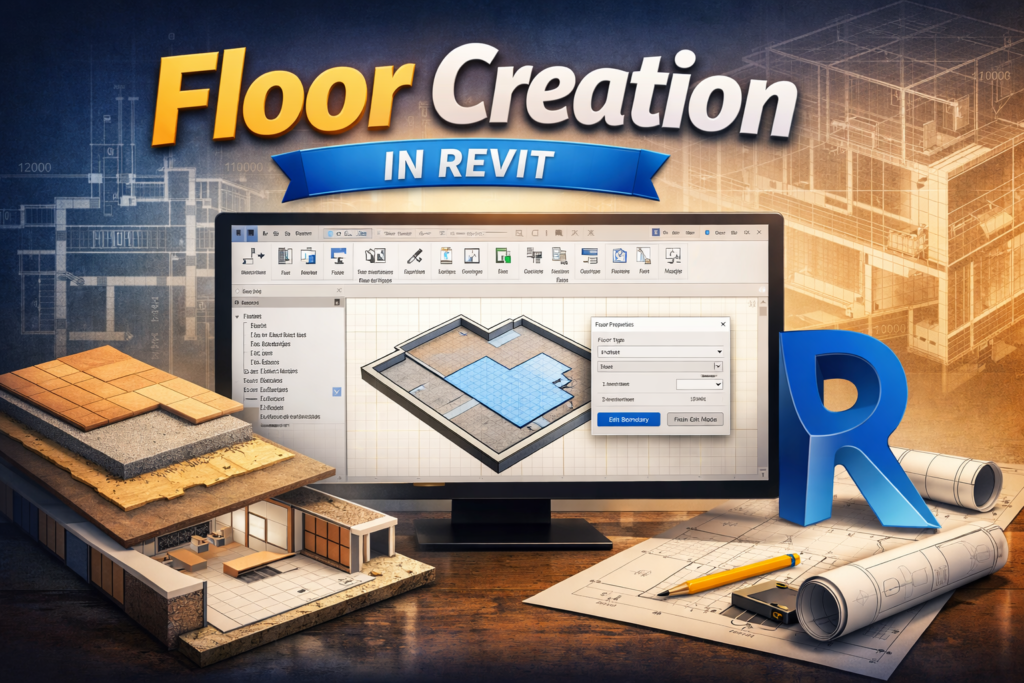
If you’re new to Revit, creating floors is one of the first modeling skills you’ll use again and again. Floors tie the building together—literally—and understanding the different ways to create them will save you a lot of time as your project grows. In this post, I’ll walk through the basics of creating floors, the two main methods you can use, and how to control levels and thickness so your model stays clean and consistent.